MS SQL DBA
=====
—–
Course Id : DATA-MDBA
Duration : 32 Hours
Overview
—–
* MS SQL Server is one of the major traditional relational databases
* SQL stands for Structured Query Language
* In this course you will learn database administration (using SQL Server), database design, implementation, support, and maintenance
Pre-Requisites
——-
* Participants should have the basic understanding of computer programming
* Understanding of Relational database systems is preferred
Training Objectives
——
* Installation of SQL Server and its components
* Design the storage for new databases and the database architecture
* Configuring an SQL Server standby database
* Windows-level and service-level security
* Test connectivity and enabling and disabling features
* SSIS and configuring OS disks
* Implementing the migration strategy
* Managing SQL Server Agent and Managing databases
* Configuring SQL Server Instances and configuring databases
* Implementing an SQL Server Clustered Instance
* Optimizing, troubleshooting and auditing SQL Server Instances
* Configuring and maintaining back-up strategies
* Restoring, implementing, and maintaining databases
Course Structure
—–
* We provide more focus on hands-on in our technical courses (typically 80% hands-on/20% theory)
* Students get the capability to apply the material they learn to real-world problems
Materials Provided
—–
* All participants receive
* PDF of slides
* PDF of handson
* Access to instance with lab environment
Software Requirements
—–
Any of the following
* Any current internet browser
* vnc client
* rdp client
Hardware Requirements
—–
* Processor: 1.2 GHz+
* RAM: 512 MB+
* Disk space: 1 GB+
* Network Connection with low latency (<250ms) to Internet
## Daywise Course Outline
—–
## Day 1
—–
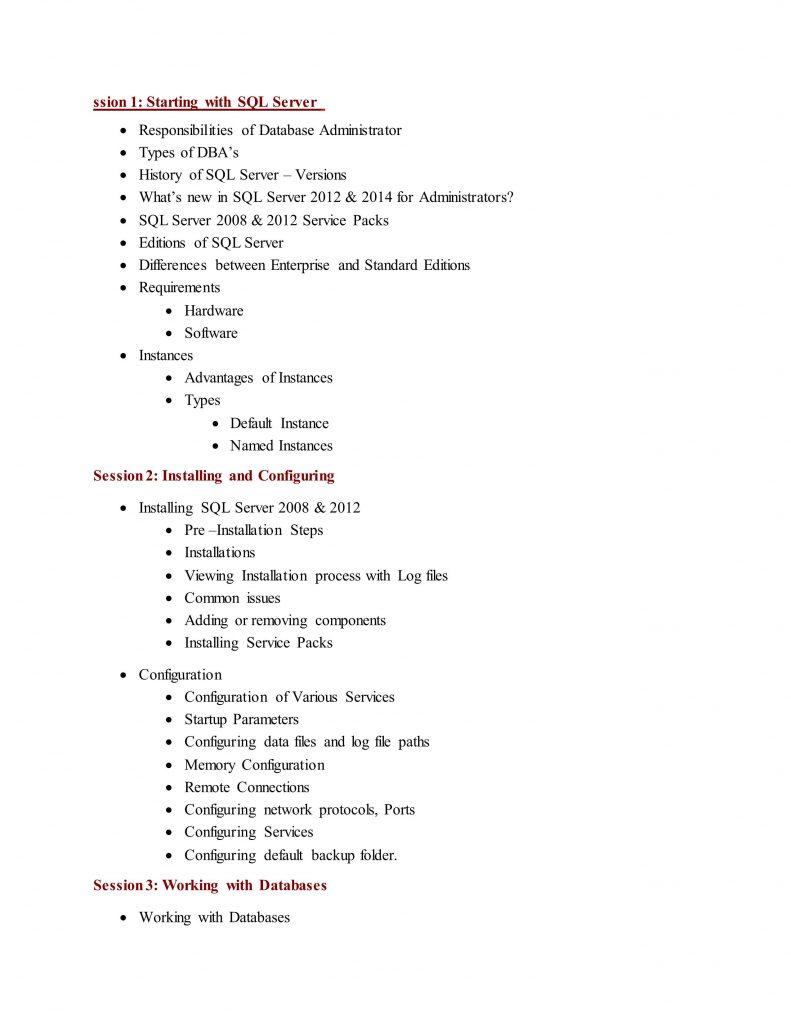
* Unit 1 : Installation and Configuration
## Day 2
—–
* Unit 2 : Managing Instances and Databases
## Day 3
—–
* Unit 3 : Managing Data
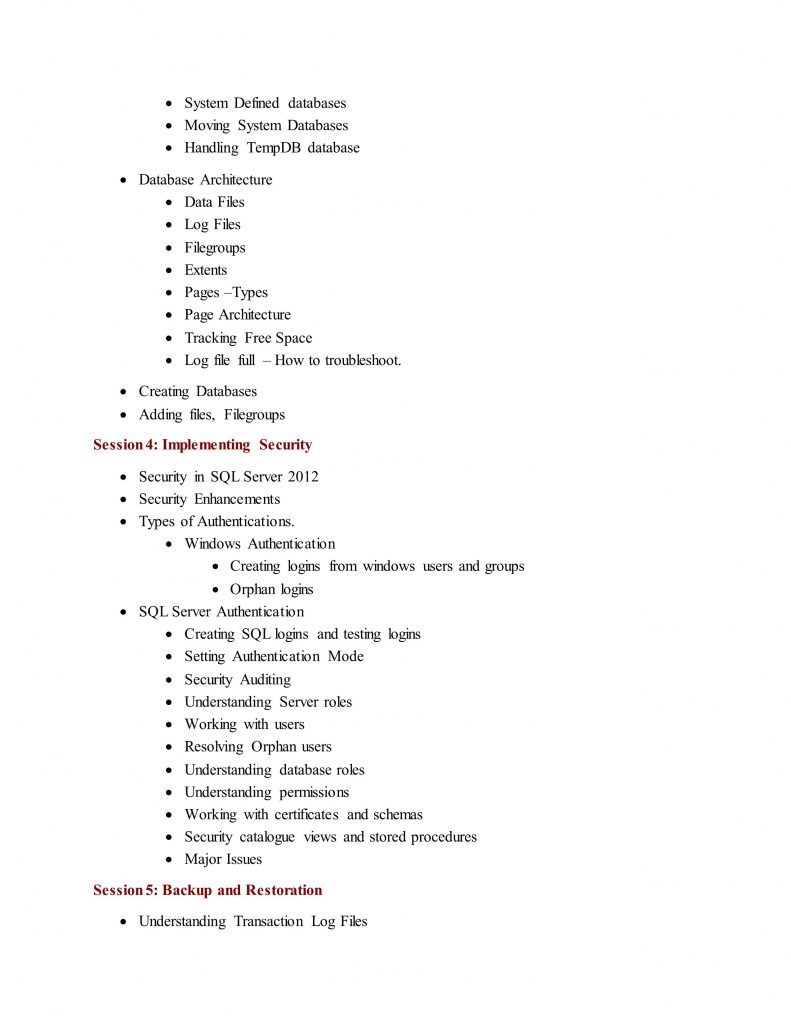
* Unit 4 : Implementing Security
## Day 4
—–
* Unit 5 : Optimizing and Troubleshooting
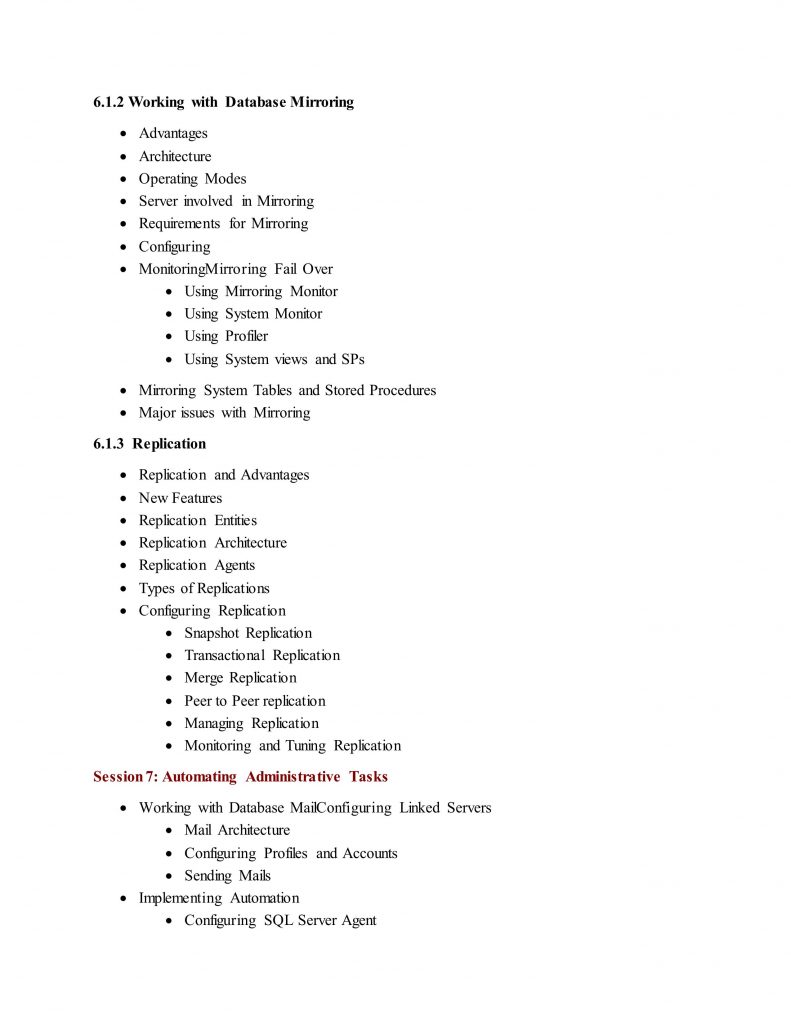
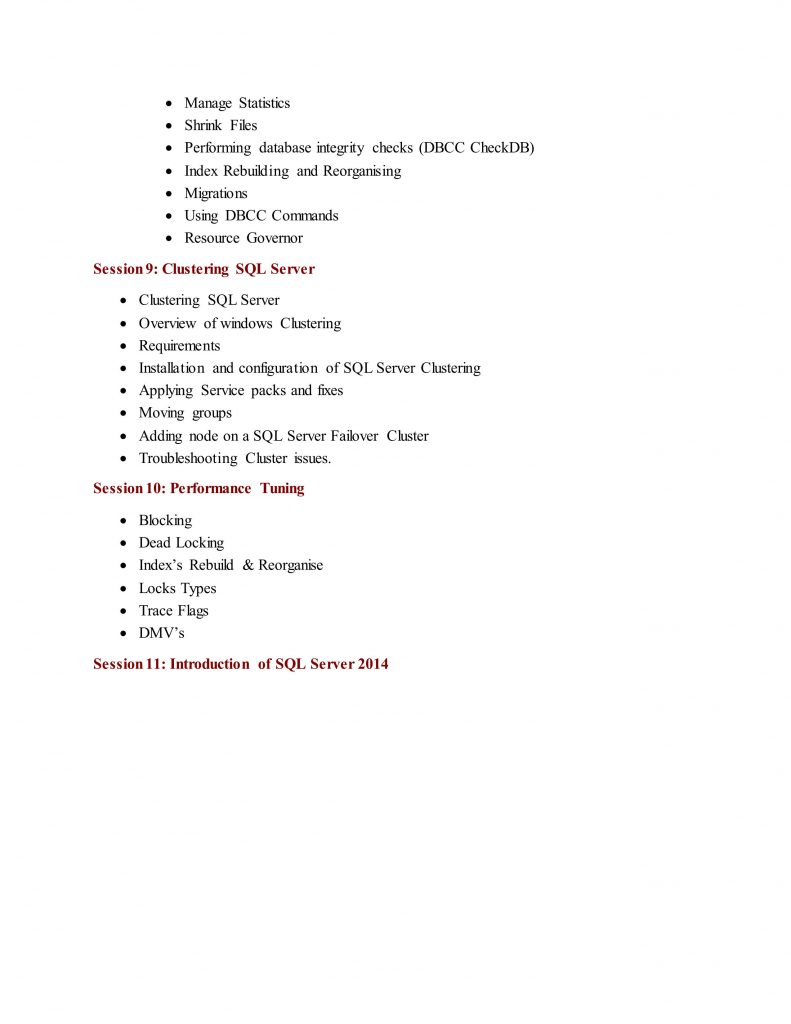
* Unit 6 : Implementing High Availability
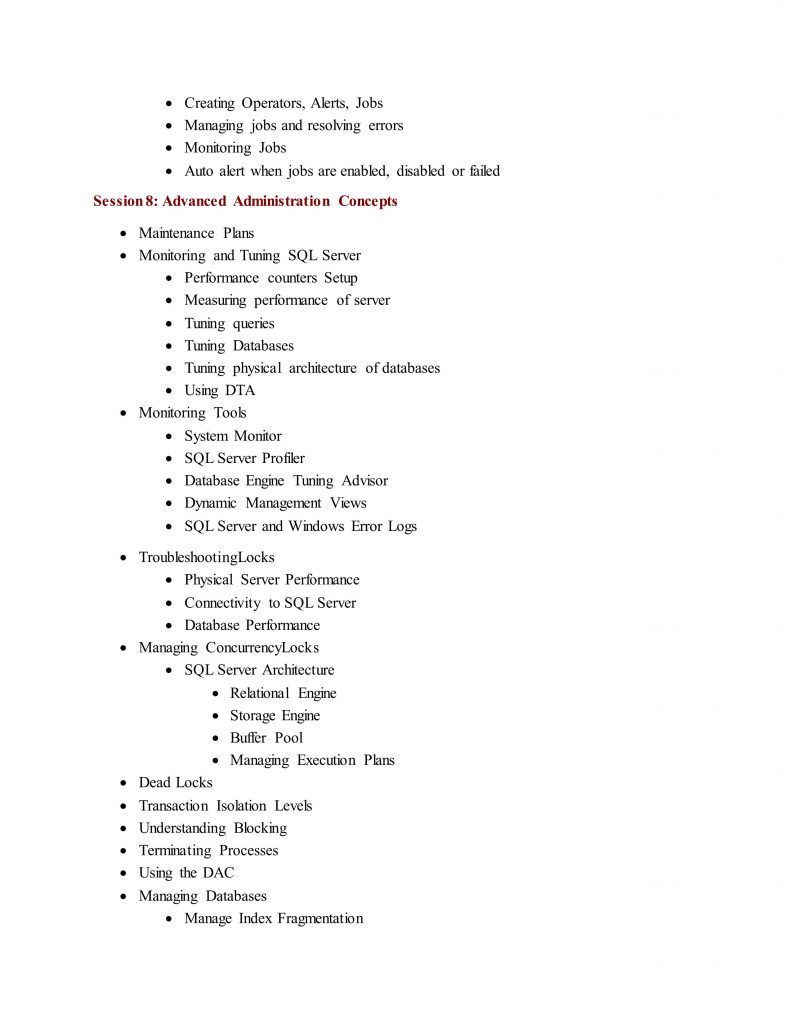
## Detailed Outline
—–
Unit 1 : Installation and Configuration
—–
* Plan Installation
* Installing SQL Server and Related Services
* Implementing a Migration Strategy
* Configuring Additional SQL Server Components
* Manage SQL Server Agent
Unit 2 : Managing Instances and Databases
—–
* Managing and Configuring Databases
* Configuring SQL Server Instances
* Implementing an SQL Server Clustered Instance
* Managing SQL Server Instances
Unit 3 : Managing Data
—–
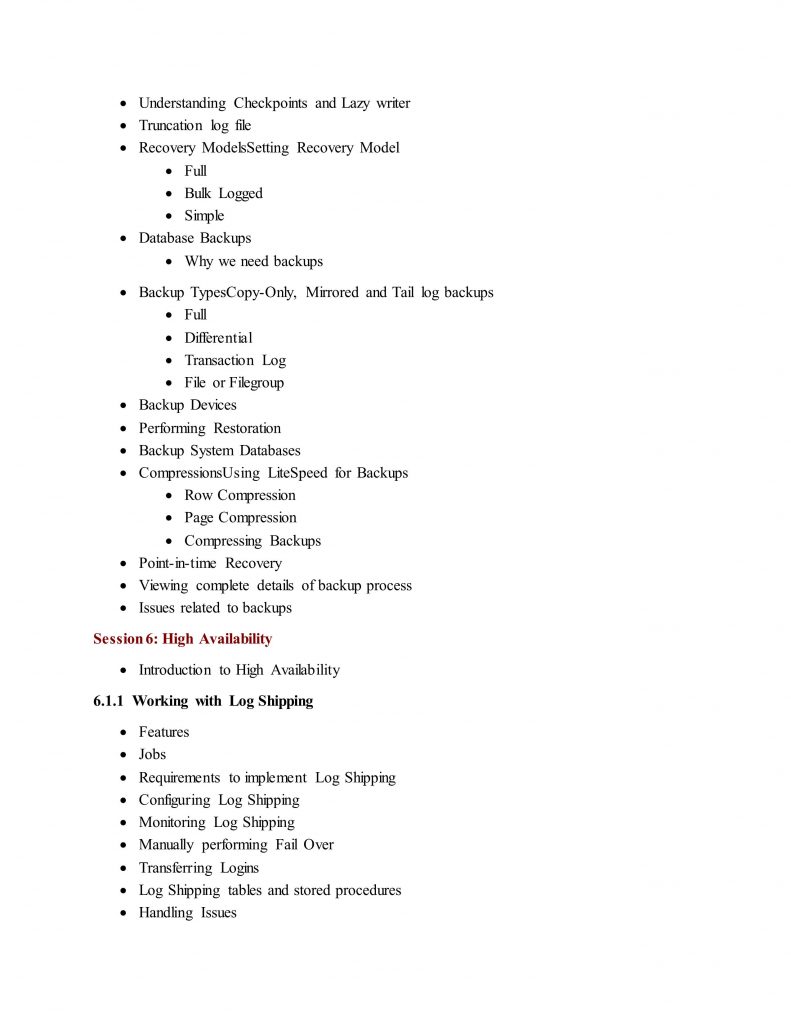
* Configuring and Maintaining a Back-up Strategy
* Restoring Databases
* Implementing and Maintaining Indexes
* Importing and Exporting Data
Unit 4 : Implementing Security
—–
* Managing Logins and Server Roles
* Managing Database Security
* Managing Users and Database Roles
* Troubleshooting Security
Unit 5 : Optimizing and Troubleshooting
—–
* Identifying and Resolving Concurrency Problems
* Collecting, Analyzing, and Troubleshooting Data
* Auditing SQL Server Instances
Unit 6 : Implementing High Availability
—–
* Implementing AlwaysOn
* Implementing replication