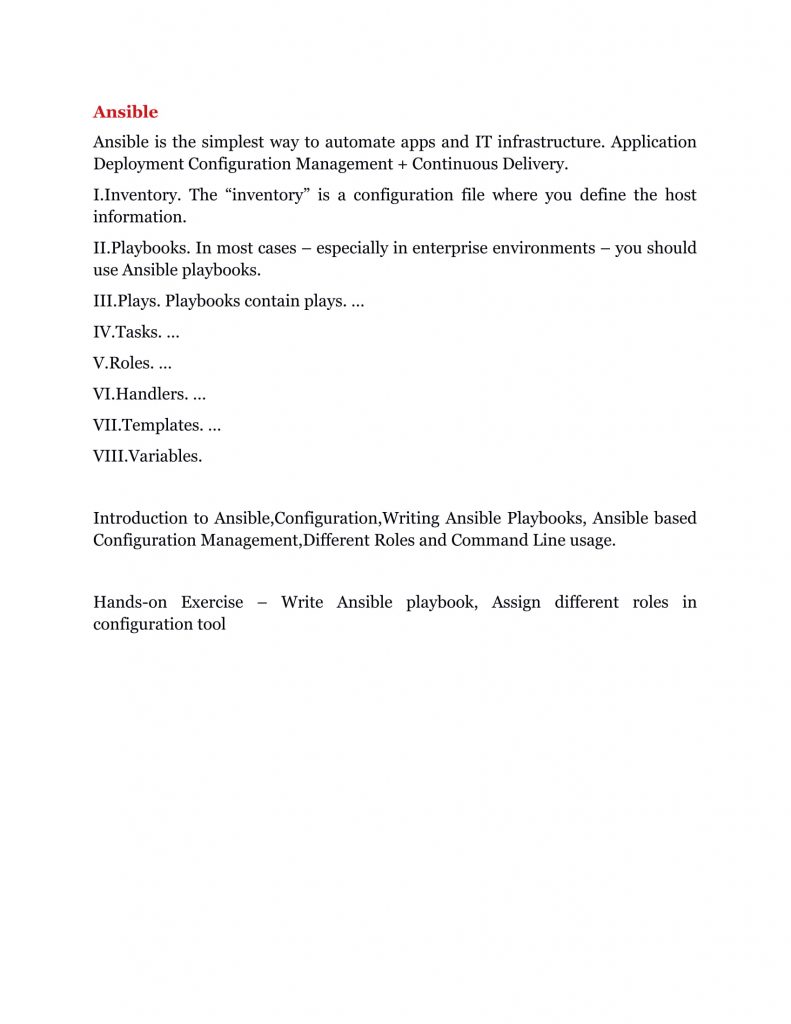
Working With Ansible
=====
—–
Course Id: DEVO-ANSB
Duration: 24 Hours
Overview
—–
* Infrastructure automation and management has become very popular recently
* This course provides a solid foundation in managing a large number of servers using Ansible
* Participants learn how to automate provisioning and manage configuration
* They will also learn how to deploy services, and incorporate operational processes
Pre-Requisites
——-
* Using a text editor
* Working on the command line
* Basic system administration
* Package installation
* Service administration capabilities
* Shell Scripting
Training Objectives
——
All participants learn to:
* Install and configure Ansible
* Run ad-hoc commands
* Understand modules
* Write and use playbooks
* Work with variables and inclusion, task control, templates, and roles
* Deal with sensitive data via Ansible Vault
* Integrate with Docker and Vagrant
* Network and troubleshoot
Course Structure
—–
* We provide more focus on hands-on in our technical courses (typically 80% hands-on/20% theory)
* Students get the capability to apply the material they learn to real-world problems
Materials Provided
—–
* All participants receive
* PDF of slides
* PDF of handson
* Access to instance with lab environment
Software Requirements
—–
Any of the following
* Any current internet browser
* vnc client
* rdp client
Hardware Requirements
—–
* Processor: 1.2 GHz+
* RAM: 512 MB+
* Disk space: 1 GB+
* Network Connection with low latency (<250ms) to Internet
## Daywise Course Outline
—–
## Day 1
—–
* Unit 1 : Infrastructure As Code
* Unit 2 : Introduction to Ansible
* Unit 3 : Deploying Ansible
* Unit 4 : Playbooks Basics
## Day 2
—–
* Unit 5 : Other Modules
* Unit 6 : Variables and Inclusions
* Unit 7 : Jinja2 Templates
* Unit 8 : Task Control
## Day 3
—–
* Unit 9 : Roles
* Unit 10 : Ansible Vault
* Unit 11 : Network Automation
## Detailed Outline
—–
Unit 1 : Infrastructure As Code
* Review Traditional scripting
* Why automate infrastructure?
* Infrastructure as Code
Unit 2 : Introduction to Ansible
* Overview of Ansible
* Why Ansible?
* Overview of Architecture
* Inventory
* Inventory Patterns
* Inventory Plugins
Unit 3 : Deploying Ansible
* Installing
* Configuration Files
* Module Syntax Help
* Running Ad Hoc Commands
* Dynamic Inventory
Unit 4 : Playbook Basics
* Writing YAML Files
* Playbook Structure
* Host and Task Execution Order
* Command Modules
* Significant Module Categories
Unit 5 : Other Modules
* File Manipulation
* Network Modules
* Packaging Modules
* System Storage
* Account Management
* Security
* Services
Unit 6 : Variables and Inclusions
* Variables
* Variables – Playbooks
* Variables – Inventory
* Variables – Registered
* Facts
* Inclusions
Unit 7 : Jinja2 Templates
* Jinja2
* Expressions
* Filters
* Tests
* Lookups
* Control Structures
Unit 8 : Task Control
* Loops
* Loops and Variables
* Conditionals
* Handlers
* Tags
* Handling Errors
Unit 9 : Roles
* Roles
* Role Usage Details
* Creating Roles
* Deploying Roles with Ansible Galaxy
Unit 10 : Ansible Vault
* Configuring Ansible Vault
* Vault IDs
* Executing with Ansible Vault
Unit 11 : Network Automation
* Network Automation
* Simple Network Module Examples
* Network Modules: Gotchas
* Simple IOS Modules Examples
* General Purpose ios Modules