Javascript Training In Bangalore
JavaScript Foundation
=====
—–
* Course Id : JSPT-FOUN
* Duration : 24 Hours
Overview
—–
Prerequisites
—–
* The participants should have the basic knowledge of web development, HTML, and JavaScript
Objectives
—–
*
Course Structure
—–
* We provide more focus on hands-on in our technical courses (typically 80% hands-on/20% theory)
* Students get the capability to apply the material they learn to real-world problems
Materials Provided
—–
* All participants receive
* PDF of slides
* PDF of handson
* Access to instance with lab environment
Software Requirements
—–
Any of the following
* Any current internet browser
* vnc client
* rdp client
Hardware Requirements
—–
* Processor: 1.2 GHz+
* RAM: 512 MB+
* Disk space: 1 GB+
* Network Connection with low latency (<250ms) to Internet
Course Outline
## Daywise Javascript Course Outline
—–
## Day 1
—–
Unit 1 : Javascript fundamentals
Unit 2 : Advanced Javascript
Unit 3 : Objects
Unit 4 : Prototypes
## Day 2
—–
Unit 5 : Inheritance
Unit 6 : Writing Maintainable Code
Unit 7 : ES6 Refresher
## Day 3
—–
Unit 8: jQuery Core
Unit 9 : jQuery Advanced
## Detailed Javascript Course Outline
—–
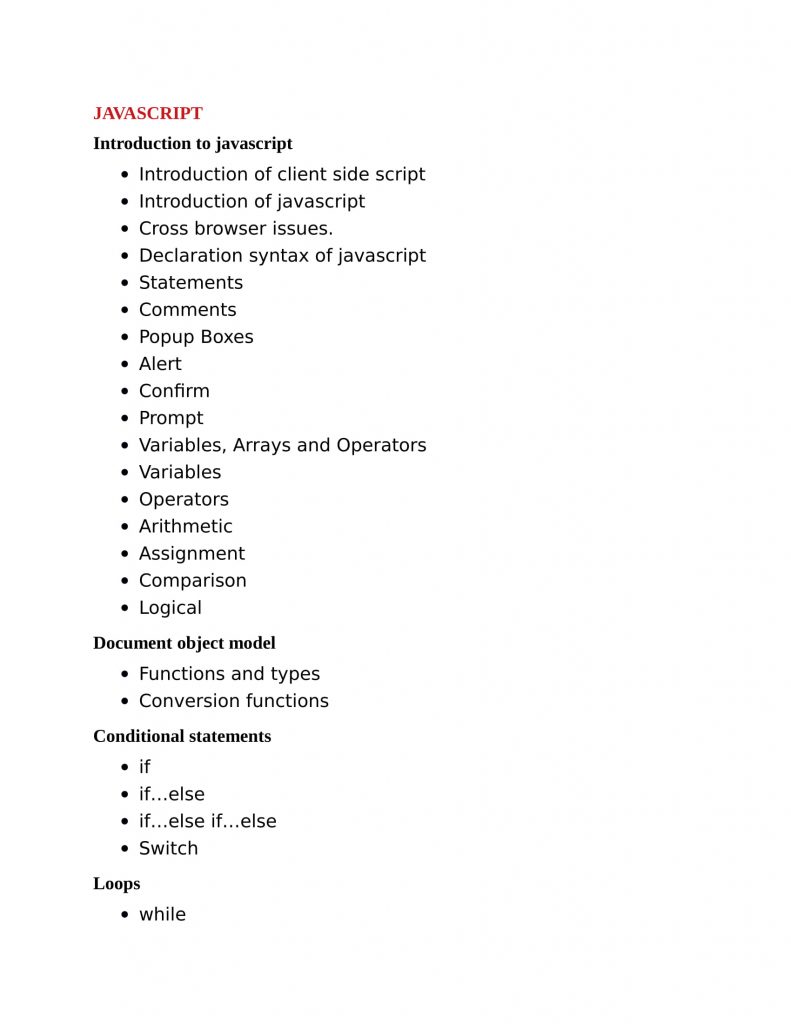
Unit 1 : Javascript fundamentals
* Javascript basics
* Javascript object model
* History of Javascript
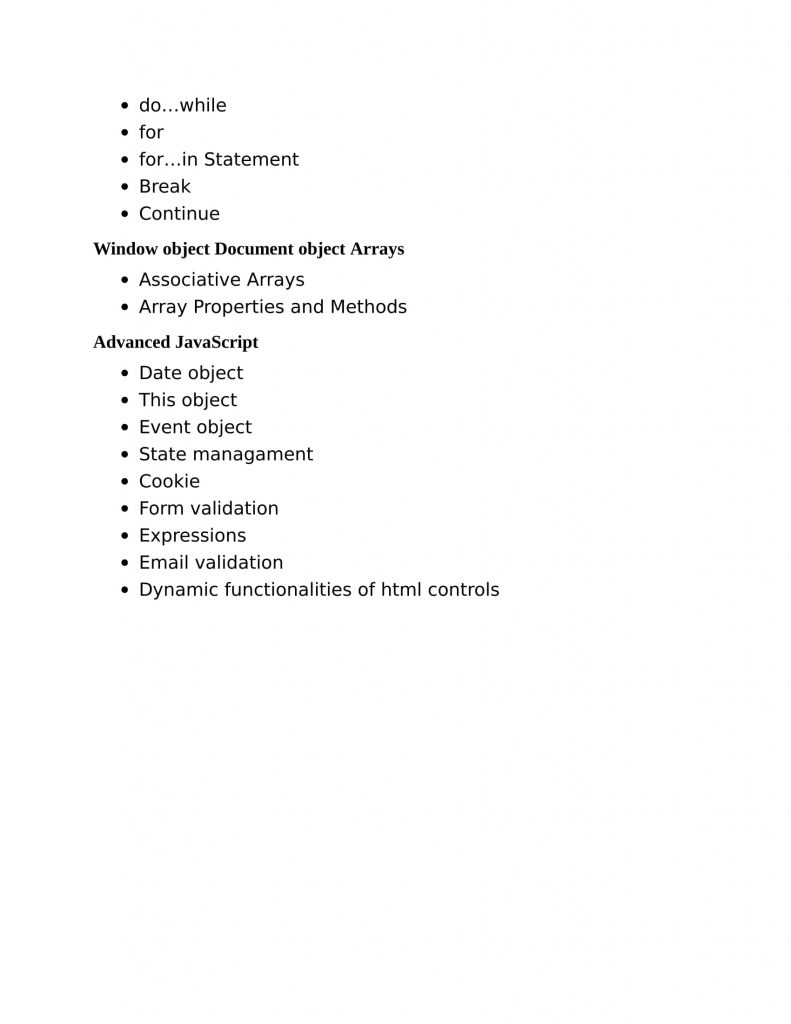
Unit 2 : Advanced Javascript
* Advanced Functions
* Closures
* Scope Chaining
* Hands-on: Example uses of advanced functions and closures
* Objects
* Prototypes
* Inheritance
* Writing Production-grade JavaScript
* Coding standards
* Error handling
* Debugging JS
Unit 3 : Objects
* Accessing Object Properties
* Calling On Object Methods
* Altering Properties/Methods
* Using ‘this’
* Constructor Functions
* Global Object
* Constructor Property
* Instanceof Operator
* Functions Returning Objects
* Passing Objects Around
* Object Comparision
* Deep Copy
Unit 4 : Prototypes
* Prototype Property
* Prototypes and Privacy
* Adding and Using Methods and Properties With Prototype
* Overwriting Prototype Property with Our Own Property
* Enumerating Properties
* Changing Built-in Objects
* Hands-on: Example uses of objects and prototypes
Unit 5 : Inheritance
* Prototype Chaining
* Moving Shared Properties to the Prototype
* Inheriting the Prototype
* User Access to Parent from a Child Object
* Copying Properties
* Objects Inheriting from Objects
* Using Prototype based Inheritance and Copying Properties
* Multiple Inheritance
Unit 6 : Writing Maintainable Code
* Minimizing Globals
* Side Effects Of Forgetting var
* Global Object Access
* Code Reuse Patterns
* Logging in JavaScript
* Coding standards
* JSLint
* Error handling
* Debugging JS
* Tools
* Firebug in Firefox
* Code documentation
* JSDoc
Unit 7 : ES6 Refresher
* What is ES6
* A word on bable
* Block scope, let & const
* Template literals
* Arrow functions
* Spread and Rest operators
* Object literal improvements
* Destructuring
* Classes
* Inheritance
* Static properties and methods
* Promises
* Iterators and Iterables
* Generators
* Modules
Unit 8: jQuery Core
* jQuery: An Introduction
* How jQuery Works
* A First Example
* Basic Flow of a jQuery Application
* Using $(document)ready()
* Selecting Elements
* Operating on Selections
* Working with Selections
* CSS, Styling, and Dimensions
* Traversing
* Manipulating the DOM
Unit 9 : jQuery Advanced
* $ vs jQuery
* $ vs $()
* Closures
* Utility Methods
* Checking Types
* Storing and Retrieving Data Related to an Element
* DOM-Related Utilities
* Feature and Browser Detection
* Avoiding Conflicts with Other Libraries
* Hands-on: Taking advantage of jquery in our site