Mobile App Testing with Emulators
=====
—–
Course Id : MOBI-ATEM
Duration : 24 Hours
Overview
—
* Mobile App Testing is the process of testing a mobile application for its functionality, usability and consistency
* There are 2 types of testing in mobile app testing ,it can be automated or manual
* Testing includes Functional Testing, Input Testing, UI Testing, Security testing, Interrupts testing, Memory usage testing, Network Testing, Power battery testing etc
* To test the applications, there are different types of emulators for each mobile operating system
* This training teaches the participants about the software testing concepts, types of mobile apps and app testing generics, manual and automated testing, using Appium and Selendroid for automated testing
Pre-Requisites
—
* The participants should have the basic knowledge of concepts and techniques used in Software testing
* Basic knowledge of Automation Testing is preferred
Training Objectives
—
* Understand how mobile apps work
* Review methodologies including SDLC and STLC
* Understand how to test your mobile apps manually
* Understand how automated testing can be done for web and mobile applications
* Learn about the Appium framework and how it is used in Android and iOS
* Understand setting up of Selendroid and learn about Selendroid framework
Course Structure
—
* We provide more focus on hands-on in our technical courses (typically 80% hands-on/20% theory)
* Students get the capability to apply the material they learn to real-world problems
Materials Provided
–
* PDF of slides and hands-on exercises
* Access to instance with lab environment
Software Requirements
—
Any of the following
* Any current internet browser
* vnc client
* rdp client
Hardware Requirements
—
* Processor: 1.2 GHz
* RAM: 512 MB
* Disk space: 1 GB
* Network Connection with low latency (<250ms) to Internet
## Daywise Course Outline
—–
## Day 1
—–
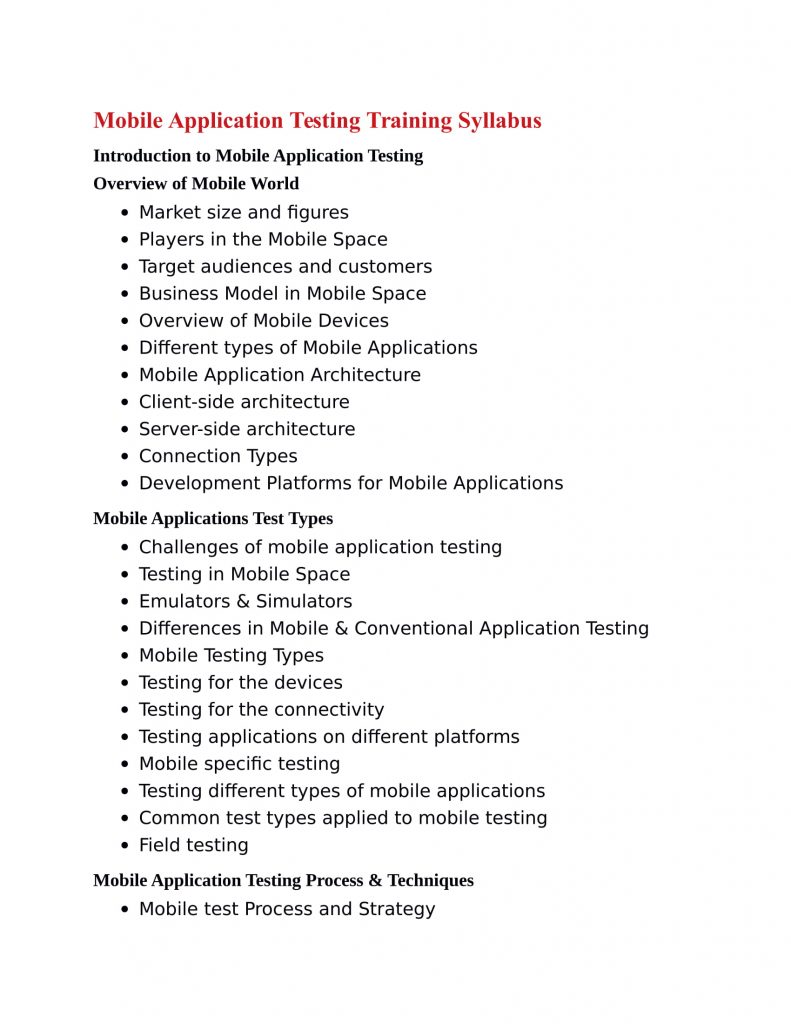
* Unit 1 : Introduction to Mobile application testing
* Unit 2 : Manual mobile application testing
* Unit 3 : Mobile Application Testing types
## Day 2
—–
* Unit 4 : Android platform
* Unit 5 : Automation testing in mobile application
* Unit 6 : Appium
## Day 3
—–
* Unit 7 : Installation of appium on android and ios
* Unit 8 : Selendroid
## Detailed Outline
—
Unit 1: Introduction to Mobile application testing
—
* What is Mobile App testing?
* Basic concepts in Mobile App testing
* Different types of Mobile apps
* Native
* Hybrid
* Web mobile apps
Unit 2 : Manual mobile application testing
—
* Mobile Platforms
* SDLC Methodologies overview
* Mobile app testing challenges
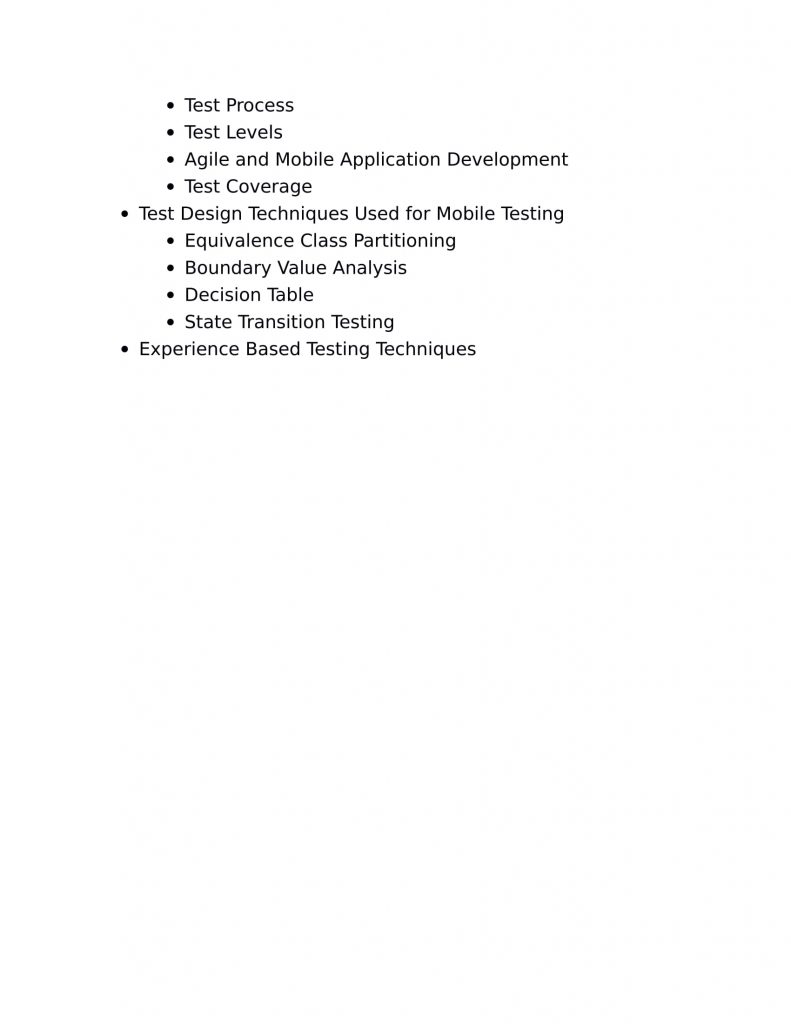
* Test case design
* Cloud based mobile testing
* Mobile app testing tools
* Bluestacks
* SeeTestManual
* See TestCloud
Unit 3 : Mobile Application Testing types
—
* Mobile Application Testing types
* UI Testing
* Functional Testing
* Regression Testing
* Interruption Testing
* Installation/ Upgrade Testing
* Compatibility Testing
* Network Testing
* Certification Testing
* Field Testing
* Usability Testing
* Localization Testing
* Performance Testing
* Mobile platforms
Unit 4 : Android platform
—
* Android platform
* Introduction to Android
* Architecture
* Setting up of Android development environment
* Developing your first Android App
* executing app on Emulator and Real Device
* Code Walkthrough of Android Application
* Build Process
* Debugging – DDMS/ ADB/ AVD
* IOS platform
* MAC OS Introduction
* IOS/ Architecture
* Introduction to XCODE
* Provisioning Profile
* Build Process
Unit 5 : Automation testing in mobile application
—
* Introduction
* Introduction to Automation of web application
* open source and paid tools used for web and mobile automation
* Automation in web application
* introduction to Selenium WebDriver.
* Architecture of WebDriver
* Configuring WebDriver
* Locators-ID,Name,Xpath,CSSetc
* Automation in mobile application
* Types of Mobile Applications-Native,Hybrid,Web
* Various Mobile Platforms(iOS,Android,Windows Phone)
* Real Mobile Device/ Emulators and Simulators
Unit 6 : Appium
—
* Appium
* Introduction to Appium
* Appium Architecture
* Appium on Android and iOS
* Appium Server
* Introduction to client Libraries -Python,Java and Ruby
* Features in Appium
* Android Mobile Application Testing using Appium Demo
* Android Application UI Features Testing
* Android Application Rest Services Testing
* Cross Platform Testing using Appium Demo
* Rich Internet Application Testing using Appium Dem
Unit 7 : Installation of appium on android and ios
—
* Installation of appium on android and ios
* Android Platform
* Installation of JDK and Configuration of eclipse
* Installation of Android SDK
* Installation of Appium Exe
* Configuration of real mobile Devices-Settings,PDAnet+ etc
* Application utilities-APK Extractor,Activity Launcher etc
* Configuring Selenium jar and Appium Client Library.
* Android settings
* ABD Commands, Android Settings
* Developer Settings, AppiumInspector,Trash actions
* IOS Platform
* Xcode tool for iOS
* Homebrew, Npm to install appium server
* Appium concepts and challenges
* Automation of web App,Native and Hybrid
* Appium Framework
* POM Framework, Maven, TestNG, Git/ SVN, Jenkins CI
Unit 8 : Selendroid
—
* Selendroid
* Introduction and Script Creation
* Selendroid architecture and setting up of selendroid
* Switch between Native and Web based scenarios automation using Selendroid
* Use JUnit Framework to demonstrate end to end automation using Selendroid
* Manual and Automation testing best practices in Mobile App
* Automate Test Scenarios using Android app
* End-End Use Case: Automation using a Hybrid framework